Token Authentication
When scripting against the APIs it's often better to use token authentication (versus creating a user). With the benefit of tokens having a built in expiry date.
Generate a token from a policy
Tokens are generally created from a specific policy.
supctl
supctl do strongbox token create-token --policies registry-push --ttl 4h
accessor: d468d35d-03af-433d-a7cf-ab7374c6f692
token: 96b08b7c-7310-4805-8f27-2591816be019
creation-time: 2024-11-18T09:57:57.933330Z
UI
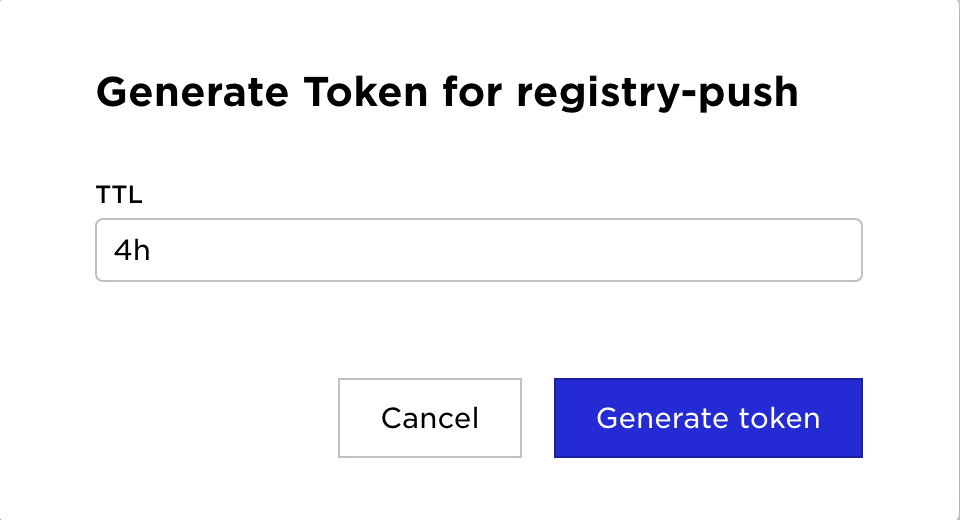
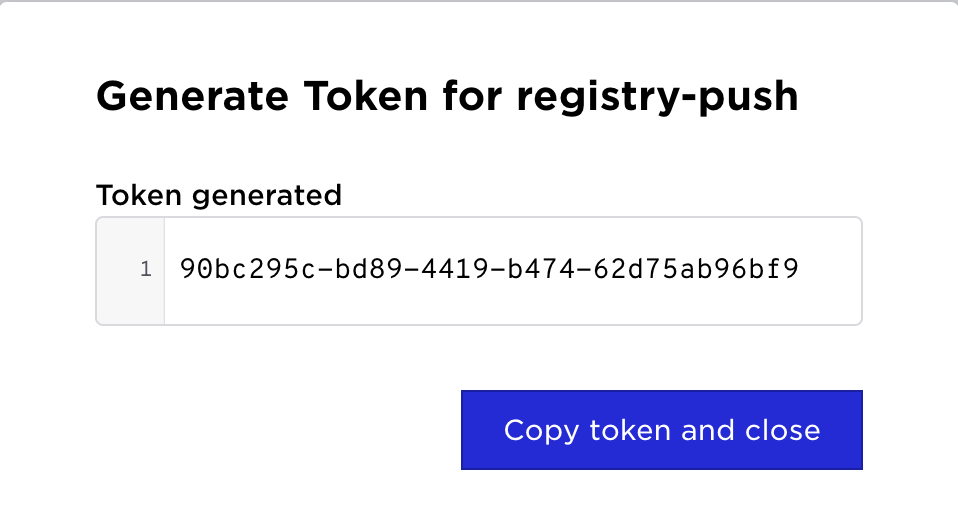
The same operation can be accomplished in the UI.
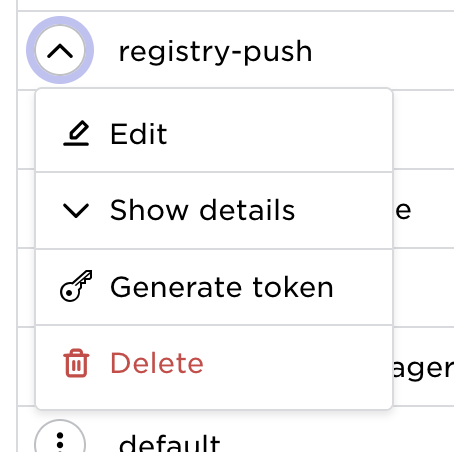
Go to policies in the main menu and click the policy action menu.
| Select Generate Token | Set desired TTL | Generated Token |
|---|---|---|
 |  |  |
Policies permitted when creating a token
When creating a token, each requested policy is accepted in one of two ways:
-
Name match — the policy is already in the caller's own policy list. The token stores the policy by name and continues to reflect any future edits to that policy.
-
Structural dominance — the policy is not in the caller's list, but every permission it grants (REST API rules, capabilities, and Volga topic/infra permissions) is covered by the union of the caller's effective policies. In that case the token is allowed to carry the policy, but the policy is hash-pinned: the hash of the policy at token-creation time is stored alongside the name.
If neither condition holds, token creation fails with an error that names the policy and the specific permissions the caller lacks, for example:
error-message: policy d-write-all allows ... but caller lacks ...
Hash-pinned policies and later edits
A hash-pinned policy is only honored while the referenced policy still matches the stored hash. If the policy is edited in any way that changes its content, the hash no longer matches and the token loses all access that came from that policy. Access through any name-matched (un-pinned) policies on the same token is unaffected.
This prevents privilege escalation: a token minted from a dominated policy cannot gain new permissions that are later added to the policy by a more privileged user. To grant the token the updated permissions, mint a new token after the policy change.
Name-matched policies are not pinned and continue to track edits to the policy as before.
Using tokens
supctl
The token can be passed to supctl by using -t
supctl -t 96b08b7c-7310-4805-8f27-2591816be019 list system sites
API
The token generated can be used in API calls by setting the Authorization header, e.g.
Authorization: Bearer 96b08b7c-7310-4805-8f27-2591816be019
Docker
To authenticate against a Control Tower registry, set the password to the acquired token.
docker login registry.my-env.my-org.avassa.net --username any --password 96b08b7c-7310-4805-8f27-2591816be019